

Find homes anytime, anywhere in Nepal.
Install Sahayogi on your phone for a faster, simpler way to search for property.
Works on Android and iPhoneFree to use. No app store needed.

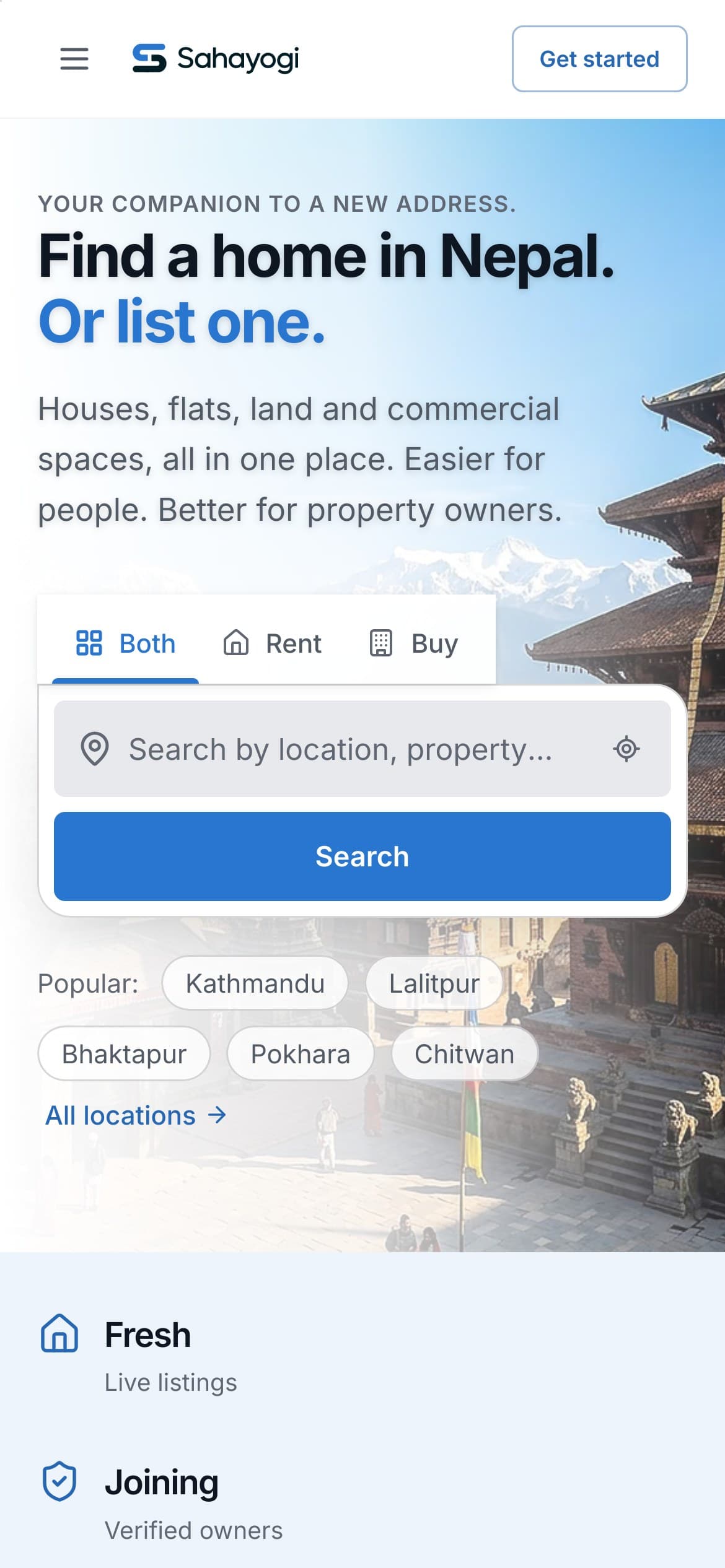
- Fast like an appOpens from your home screen
- Uses less dataRepeat visits download less
- Instant alertsBe the first to know about new listings
- No app store neededInstalls straight from your browser
Get started in seconds.
Follow the steps for your device.
Install on Android
Tap the menu, then “Add to Home screen”.
- 1Open this page in Chrome.
- 2Tap the ⋮ menu in the top corner of Chrome.
- 3Choose Install app (or Add to Home screen).
- 4Tap Install (or Add) to confirm.
Install on iPhone (Safari)
Tap Share, then “Add to Home Screen”. No App Store needed.
- 1Open this page in Safari.
- 2Tap the Share button in Safari’s toolbar.
- 3Choose Add to Home Screen.
- 4Tap Add, and Sahayogi appears on your home screen.
Sahayogi installs from your browser, not a store. Nothing to pay, no extra permissions. This is the official Sahayogi.
Your next home is just a tap away.
Browse listings, save your favorites and get alerts for new ones, right from your home screen.

Common questions
Quick answers about installing and using the app.
Yes. Installing it costs nothing, and so does searching for a place.
Still have questions?
Our team is here to help. Reach out and we’ll get back to you.
Open Sahayogi on your phone today.
Faster. Lighter. Easier. A better way to find homes in Nepal.
Open the appNo app store needed.